


About the workshop
What this session is for, and what it aims to build in every participant.
The Git & GitHub Workshop is a hands-on workshop aimed at building essential version control and collaborative development skills. It focuses on helping participants manage projects efficiently, work seamlessly using GitHub, and apply professional workflows followed in the software industry.
The session also enables students to understand distributed version control, enhance teamwork practices, and gain real-world development experience.
- ▸Build foundational knowledge of Git and distributed version control
- ▸Enhance repository management, branching, and merging skills
- ▸Enable collaborative development using GitHub
- ▸Promote industry-standard workflows and best practices
- ▸Prepare students for real-world software development environments
People
The trainer and host you'll actually spend the day with, backed by the department and delivery team who made it happen.

Dr. Charanjeet Singh
Dean Engineering, Chandigarh University Lucknow
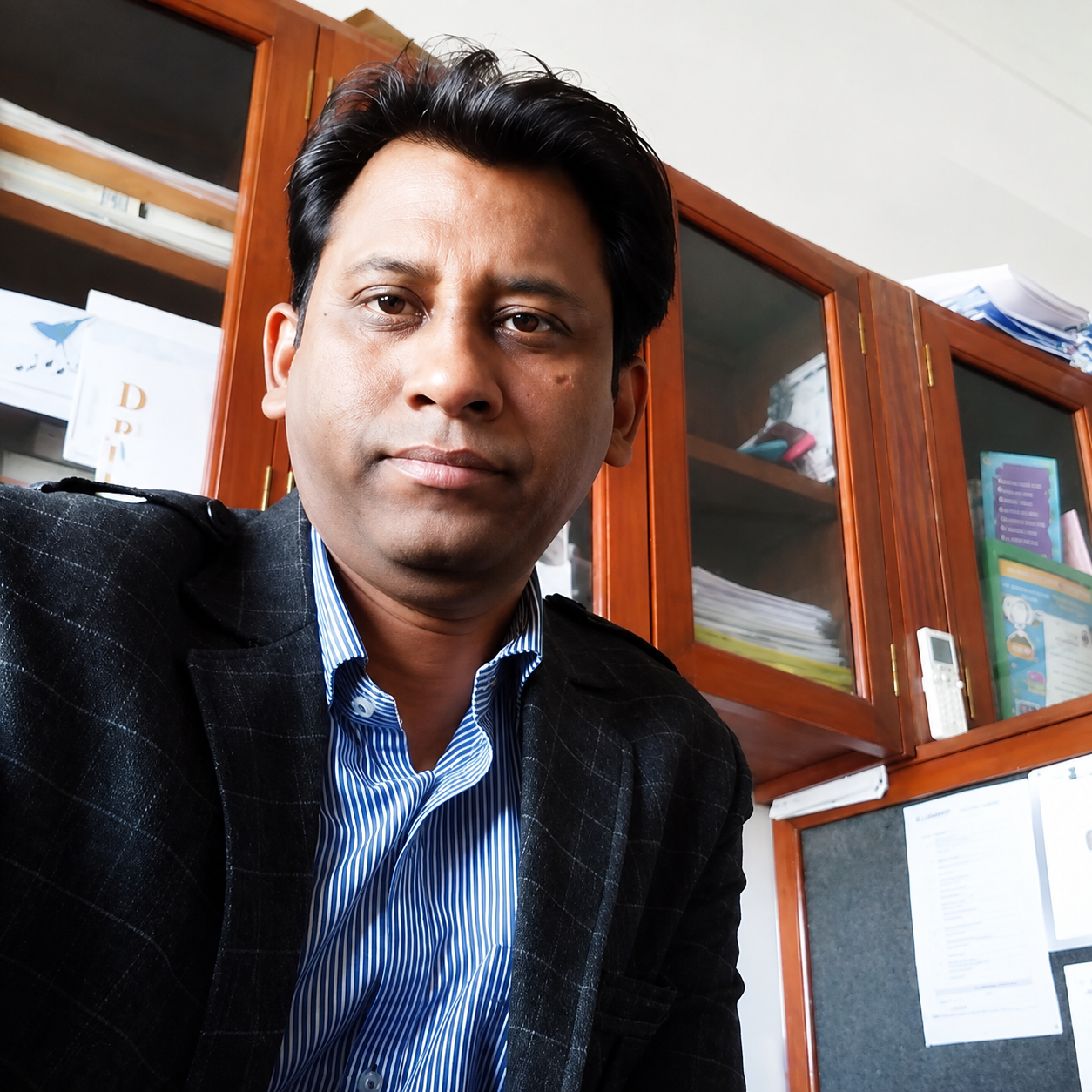
Ajay Kumar Singh
Head of Department, CSE, Chandigarh University Lucknow

Krishnendu Rarhi
Head of Department, CSE-AIML, Chandigarh University Lucknow

Sudhanshu Singh
Account Manager, byteXL
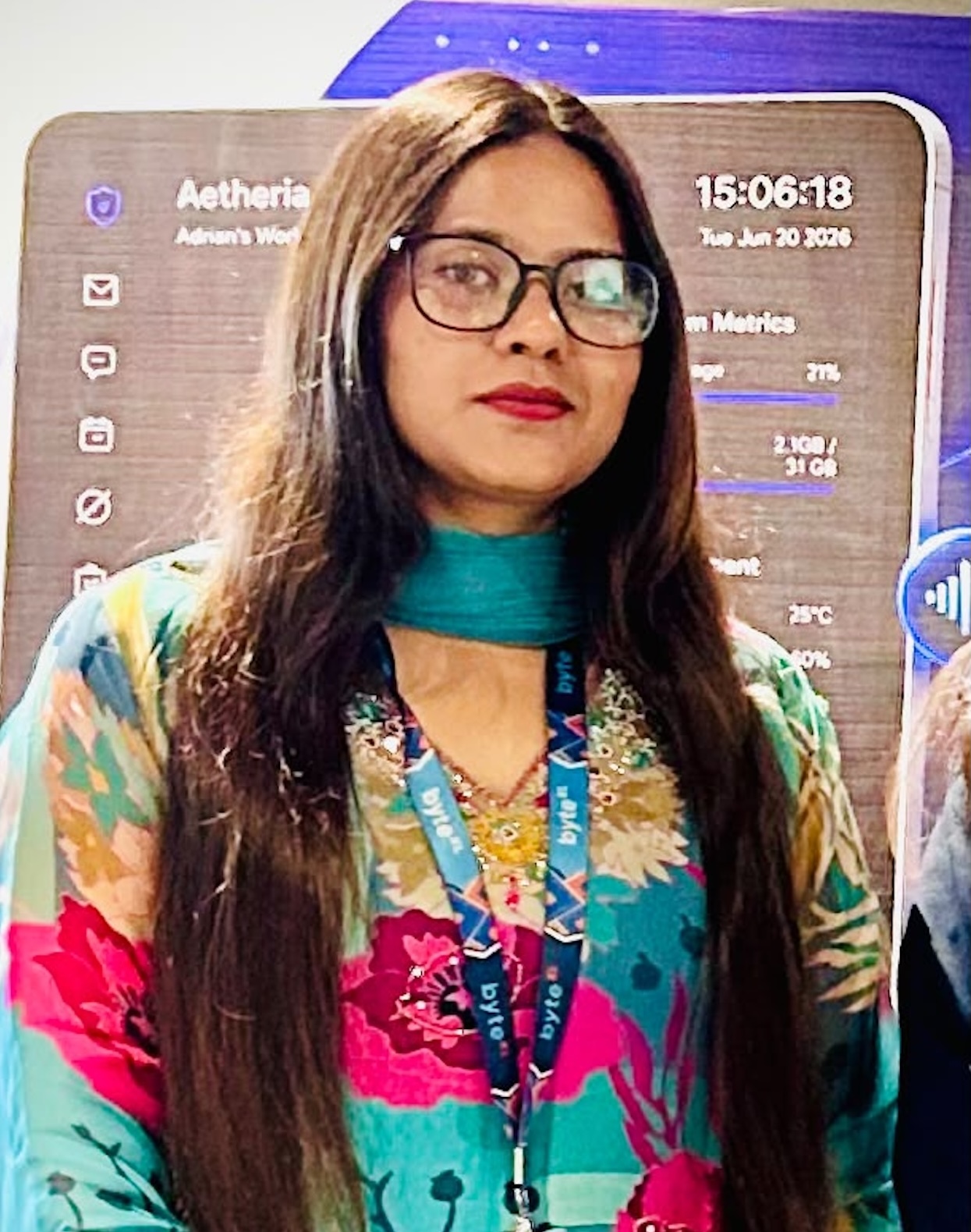
Zaina Fakhre Alam
Learning and Delivery Manager, byteXL

Param Vishwakarma
Technical Trainer & MCT, byteXL

Unnati Mishra
B.Tech AIML · Microsoft
Event details
Everything you need to plan around.
Workshop format
Participants move through structured modules, foundational to advanced.
- 1Introduction to Version Control & Git Basics
- 2Repository Creation and Commit Workflow
- 3Branching & Merging Strategies
- 4Undoing Changes & History Management
- 5Working with Remote Repositories
- 6Mini Project & Collaborative Showcase
Workshop flow
Three blocks across the morning, each building on the last.
Introduction to Git & Setup
Core Git commands & hands-on practice.
Branching & Merging Activity
Remote repositories & GitHub.
Collaboration & Pull Requests
Mini project & showcase.
Rules & guidelines
A few expectations that keep the session running smoothly for everyone.
- !Participants must bring their own laptops
- !Git and GitHub accounts must be set up before the session
- !Active participation in hands-on activities is mandatory
- !Team collaboration must follow ethical and professional conduct
- !All participants will receive certificates upon successful completion
The second rule is the one to act on now: install Git and create your GitHub account before the session starts. The Setup Guide below walks through both in about 20–30 minutes.
Evaluation & recognition
A short Q&A session or quiz on the workshop platform — focused on reinforcing what was covered, not on grading performance.
All participants who complete the workshop receive a Certificate of Completion, issued as a digital certificate.
Expected outcomes
- ✓Improved understanding of Git workflow and collaboration
- ✓Hands-on experience with GitHub repositories and pull requests
- ✓Ability to manage real-world development projects using version control
- ✓Strengthened teamwork and professional coding practices
Conclusion
The Git & GitHub Workshop 2026 aims to foster a culture of structured development, collaboration, and version control excellence among students. It is more than a workshop — it is a practical gateway to industry-ready software engineering practices.
Come with Git installed and GitHub ready.
We'll spend the full three hours building, not installing. The Setup Guide covers Git installation on macOS and Windows, creating your GitHub account, configuring it correctly, and verifying your first push — about 20–30 minutes, any time before 14 August.